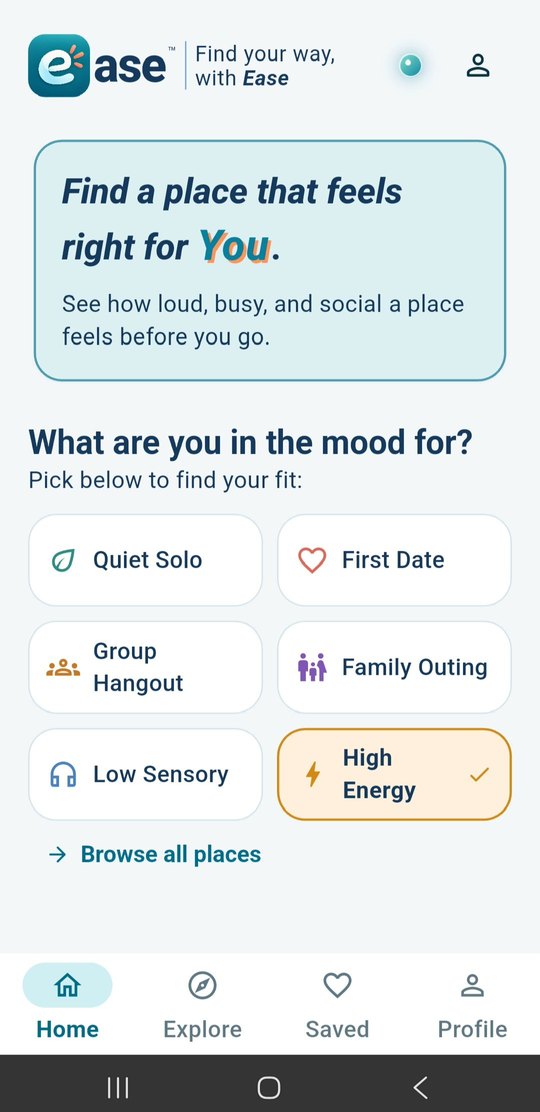
On Android
- Tap Get it on Android and sign in with the Google account you use on your phone.
- Tap Become a tester, then follow the link to Google Play.
- Install Ease, open it and create your account.
 ase™
BETA
ase™
BETA
Open beta · Seattle
Use Ease at places you already go, tell it how they felt, and help everyone who comes after you know what to expect. Sign up right in the app. There’s nothing else to fill out.
Your account and everything you add carry over when Ease launches.
How to join
What to expect
This isn’t a test copy. Your account, your comfort settings and what you add today are the same ones you’ll have when Ease launches.
We’re filling Seattle one neighborhood at a time. If your part of town looks thin, your observations are what fill it in.
It’s a beta. If something looks off or gets in your way, tell us at support@findwithease.com. We read every one.
Questions
No. Tap the button for your phone, install, and sign up in the app like anyone would.
Nothing changes. You keep your account, your settings and everything you’ve added, and the app updates like any other.
Yes. You can use Ease anywhere. Places near you may not have much data yet, and what you add helps decide where we focus next.
Email support@findwithease.com. Screenshots help.
You can uninstall anytime, and you can request account deletion from the app or on the delete account page. See the privacy policy for how your info is handled.
Pick your phone and start using Ease today.